News
Canva Craft: what Canva's new AI image model does, what it costs, and the catch
No affiliate links: this post has no affiliate links, and we have no affiliate relationship with Canva. Links to Canva’s announcement and help center are normal source links. Read our affiliate disclosure.
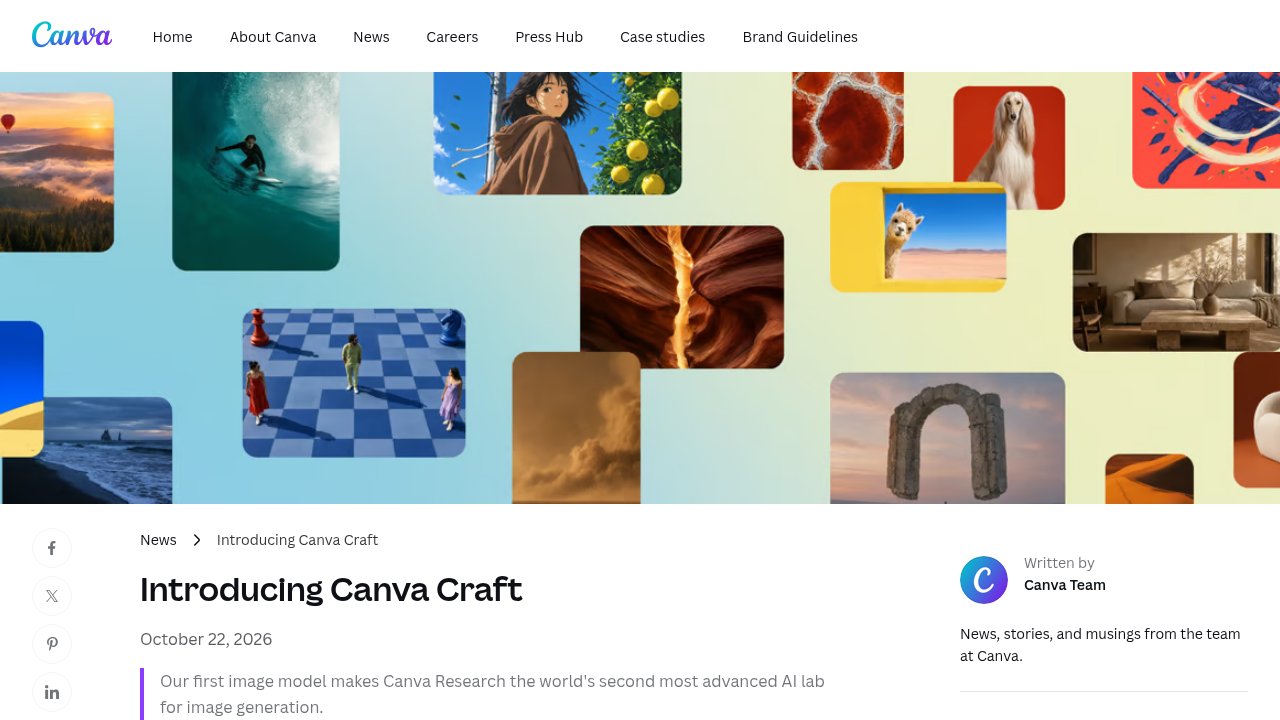
Canva Craft is Canva's first AI image model, built and trained by its in-house lab, Canva Research. Canva launched it on October 22, 2026, for all Canva users worldwide, inside Dream Lab and through its public API. Here is what it does, what it costs to use, and the catch.
What Canva Craft does
According to Canva's announcement, Craft works in two steps instead of drawing pixels straight from your prompt.
It plans the layout first
A planning model writes out the composition: which elements appear, where they sit, their size, and any text. A second model renders the image from that plan, at up to 2K resolution in more than 30 aspect ratios.
It was trained on designs, not just photos
Canva says the training data includes millions of human-made templates from its library, such as posters, social posts and menus, aimed at legible text and real layouts.
Images you can edit
Canva says Craft images suit Magic Layers, which turns an image into editable design elements. Prompts work in any language, and Craft can render text in 55 languages.
What's coming later
Faster variants (Craft-fast and Craft-ultrafast) and Canva MCP Server support are listed as coming soon, with no dates.
How to try Canva Craft
Open Dream Lab from the bottom left panel in Canva. It gives you four image options per prompt, and you can refine a result with a follow-up instruction.
What Canva Craft costs
There's no separate price. Craft runs on the monthly AI allowance that comes with your Canva plan. Canva's AI usage help article lists these allowances:
- Canva Free: up to 20 uses of Standard or Premium AI tools a month.
- Canva Pro: up to 200 Premium AI uses or 20 Ultra AI uses a month. Canva's US pricing page lists Pro at US$144 a year for one person.
- Canva Business: up to 400 Premium AI uses or 40 Ultra AI uses a month, per person. The US pricing page lists it at US$250 a year per person.
Details checked on October 24, 2026. Canva's prices and allowances change, so check its pages for today's numbers.
The catch: you can't tell how many images you'll get
Canva hasn't said how much of your allowance one Craft image uses. The help article puts "Create an image with Canva AI" in the Premium tier and says the ranges above assume simple prompts; complex tasks use more. Boosting resolution or adding a reference image in Dream Lab also uses allowance. On Free, 20 uses won't go far while you test prompts.
To find out, make a few images and check the AI usage tracker on the Billing page in Settings.
Who should try it
Anyone already making social posts, flyers or ads in Canva, since there's nothing new to buy. For dedicated image generation, compare it with our Krea review and the Krea 3 pricing breakdown, or browse more design tools in the tools directory.
FAQ
Is Canva Craft free?
Yes, it's available to all Canva users, including Free accounts, but each image draws on your plan's monthly AI allowance.
Where do I find Canva Craft?
In Dream Lab, from the bottom left panel in Canva. Developers can also use it through Canva's public API.
Can I edit a Craft image after it's made?
Yes. Dream Lab lets you refine a result with a follow-up instruction, and Magic Layers can split it into editable elements.
Sources
- Introducing Canva Craft (Canva Newsroom, October 22, 2026)
- Understanding your AI usage (Canva Help Center, checked October 24, 2026)