
News
Gemini in Google Slides now edits whole decks: what it does, what it costs, and the catch
No affiliate links: this post has no affiliate links, and we earn nothing from Google Workspace or Google AI plans. Links to Google’s Workspace Updates blog, help center and pricing pages are normal source links. Read our affiliate disclosure.
Short answer (November 4, 2026): Gemini in Google Slides can now edit several slides or a whole presentation from one prompt. It comes with Google Workspace Business Standard ($14 per user a month on monthly billing) or a personal Google AI Pro plan ($19.99 a month); the catch is that Google's higher usage limits are only promotional through at least December 1, 2026, and the limits after that haven't been published.
Google announced the update on its Workspace Updates blog on October 30, 2026. Here's what it does, who gets it, and what it costs.
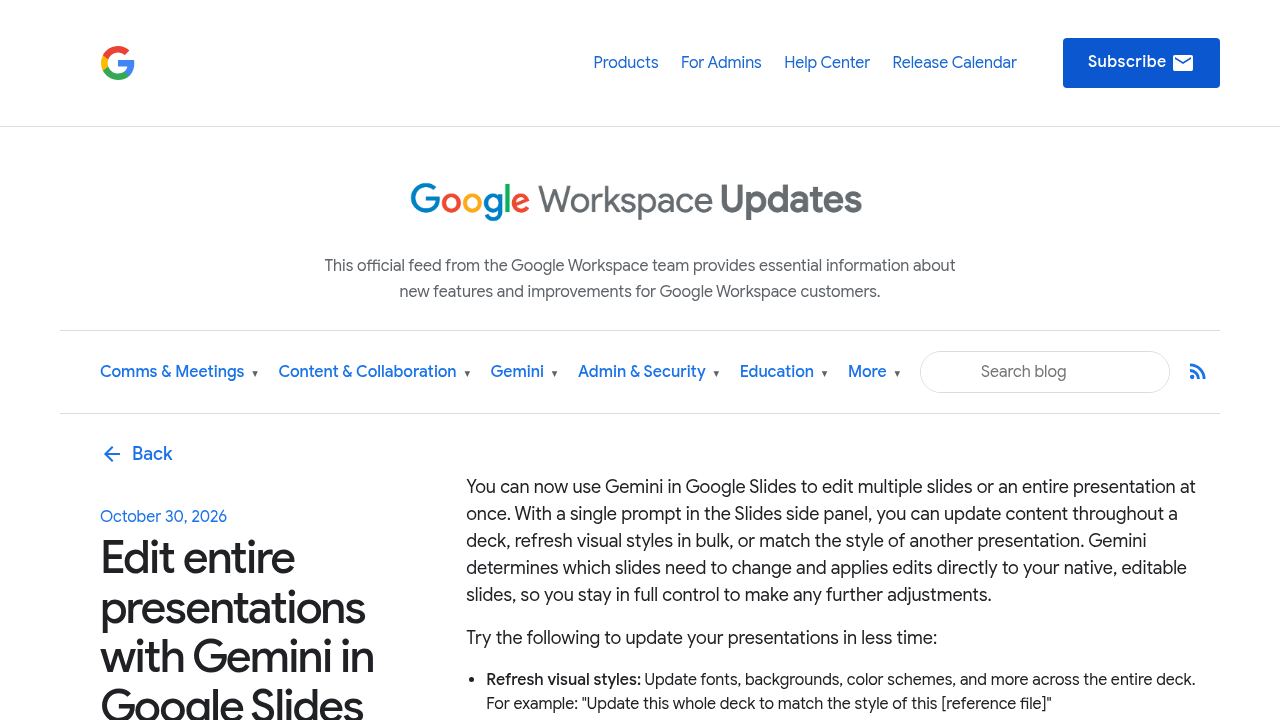
What Gemini in Google Slides can edit now
You type one request in the Slides side panel, and Gemini decides which slides need to change. Google lists four kinds of edits:
- Refresh visual styles: change fonts, backgrounds and color schemes across the deck, or match the style of another presentation.
- Update content: simplify, expand or refocus the deck, using your Google Drive files as the source.
- Combine or expand slides: for example, "Summarize slides 5–7 into a single slide," or add new slides.
- Make styling consistent: align title styles or remove page numbers on every slide.
The edits land on normal, editable slides, and a summary of the changes appears in the side panel. Google says they're applied as if you made them, so undo and version history work as usual.
How to use it
Per Google's Slides help article, open a presentation on your computer, click Ask Gemini at the top right, describe the edit and click Submit. Type "@" to point Gemini at a Drive file.
Who gets it and what it costs
Google lists these eligible plans:
| Plan type | Eligible plans |
|---|---|
| Business | Business Standard and Plus |
| Enterprise | Enterprise Standard and Plus |
| Personal | Google AI Pro and Ultra |
| Education add-on | Google AI Pro for Education |
On the Workspace pricing page, Business Standard is $14 and Business Plus $22 per user a month on monthly billing (new customers currently see 50% off the first three months). Business Starter ($7) isn't on the list. Personal plans: Google AI Pro is $19.99 a month, AI Ultra from $99.99.
The rollout started October 29 and may take more than 15 days to reach everyone. It's desktop and English only for now.
The catch: the higher limits are temporary
Google says Workspace customers get "promotional access to higher limits" for multi-slide work through at least December 1, 2026. After that, per-user usage limits apply, and Google hasn't said what they'll be. If you plan to redo many decks, test it now and don't count on the same allowance in December.
Who should try it
Teams on Business Standard or higher that rework client decks and proposals get the most from it. For other options, see our posts on Gemini small business tools and Claude Docs, Slides and Design going free, or browse the tools directory.
FAQ
Is Gemini in Google Slides free?
It needs an eligible paid plan, such as Business Standard or Google AI Pro. Google's help page says personal accounts can also try it through the Workspace Experiments tester program.
Does Gemini change my slides without asking?
It applies edits straight to your deck, then shows a summary. You can undo them or restore an earlier version.
Does it work on Business Starter?
No. Google's announcement lists Business Standard and Plus, not Business Starter.
Sources
- Edit entire presentations with Gemini in Google Slides (Google Workspace Updates, October 30, 2026)
- Generate and edit slides with Gemini in Google Slides (Google Docs Editors Help, checked November 4, 2026)
- Google Workspace pricing and Google AI plans (checked November 4, 2026)