News
Gemini small business tools: what's new, what it costs, and the catch
No affiliate links: this post has no affiliate links, and we have no affiliate relationship with Google. Links to Google’s announcement and Gemini help center are normal source links. Read our affiliate disclosure.
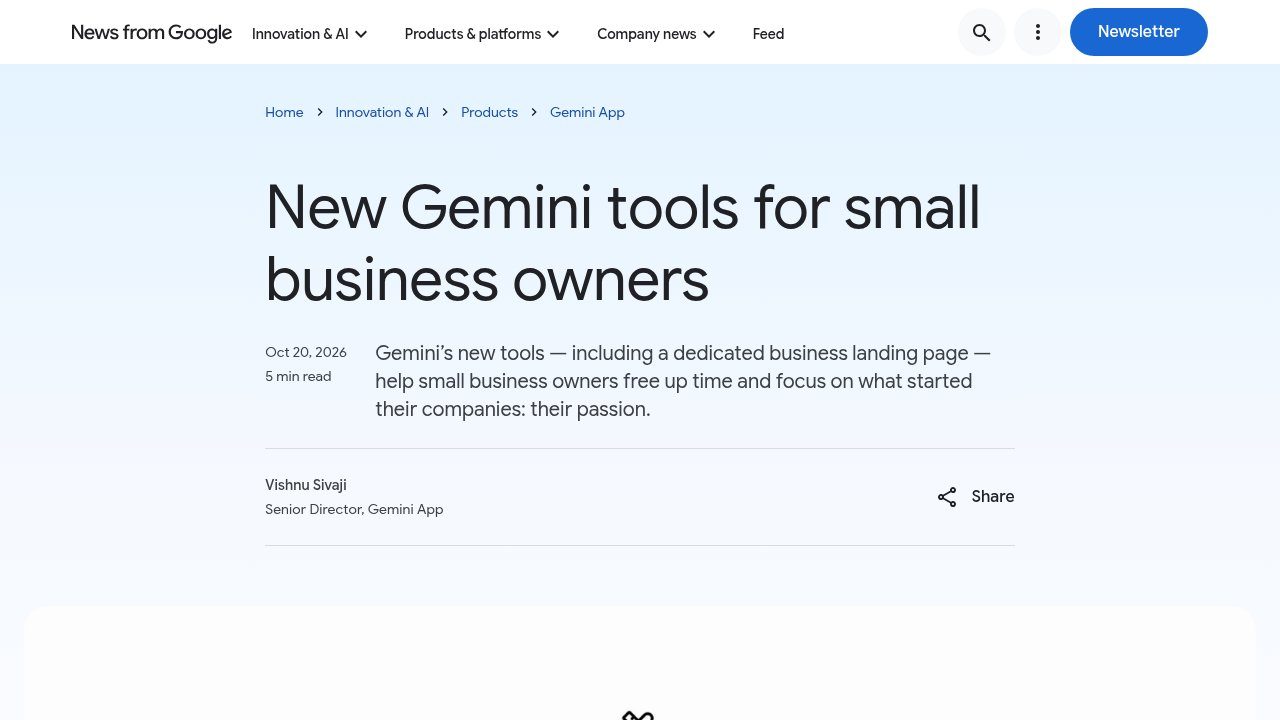
Google's new Gemini small business tools add a business landing page, brand-matched visuals, help with financial data, and more app connections to the Gemini app. Google announced them on October 20, 2026, and says they start rolling out worldwide in the coming days. Here is what's new, what it costs, and the catch.
What's new in Gemini for small businesses
According to Google's announcement, the update has four parts.
A business landing page
A new hub inside Gemini where you can work on your brand, look at your finances and dig into customer insights from one place.
On-brand visuals
You can set your brand style by uploading your website, brand kit, fonts or color palettes. Gemini keeps that style and uses Nano Banana 2.1, Google's newest image model, to make product launch and campaign visuals that match. You don't have to upload your guidelines again each time.
Help with messy financial data
Gemini can turn spreadsheets, receipts and purchase records into charts and interactive models.
More connected apps
Google lists its own tools (Google Business Profile, Google Ads and Google Workspace) and third-party apps: Adobe, Canva, Dropbox, Shopify, Wix, Zoho and Xero. We covered one of these earlier in our post on the Xero Gemini integration.
What the Gemini small business tools cost
Google hasn't announced a separate price. The announcement says the landing page, the marketing and finance skills and the new connected apps are rolling out to all Gemini app users, not only paying subscribers. Because it's a staged rollout, you may not see them in your account yet.
Details checked on October 23, 2026. Rollouts and requirements change, so check Google's pages for the current picture.
The catch: many connections need a personal account
The app connections come with the most fine print. Google's Connected Apps availability table lists these limits:
- Personal accounts only: Shopify, Canva, Wix, Xero, Dropbox, Adobe, Google Ads and Google Business Profile all require a personal Google Account. If you run your business on a Google Workspace work account, you can't connect them from that account.
- US-only apps: the Shopify and Dropbox connections are available in the US only.
- English only: Shopify, Canva, Wix, Xero, Dropbox, Adobe and Google Ads work in English only.
- Fewer places to use it: the Google Business Profile connection works in the Gemini web app and the Windows app, not the mobile app.
So a US shop owner with a personal Gmail account gets the most out of it. A team on Workspace, or a business outside the US, gets less.
Who should try it
Solo owners and very small teams who already use Gemini on a personal account and want brand visuals or quick financial summaries without another subscription. If you want a dedicated design tool instead, read our Canva Craft post, or compare other assistants in the tools directory. For developers, our post on Gemini 4 Argon pricing covers the API side.
FAQ
Are the new Gemini small business tools free?
Google hasn't listed a separate price, and says they're rolling out to all Gemini app users.
Which apps can Gemini connect to for my business?
Google names Google Business Profile, Google Ads, Google Workspace, Adobe, Canva, Dropbox, Shopify, Wix, Zoho and Xero. Availability depends on your account type, country and language.
Can I use them with a Google Workspace account?
Not for most of the business connections. Google's table lists Shopify, Canva, Wix, Xero and Google Business Profile as personal-account only.
Sources
- New Gemini tools for small business owners (Google, October 20, 2026)
- Check the availability and requirements of Connected Apps in Gemini Apps (Gemini Apps Help, checked October 23, 2026)