
News
Canva Brush: what Canva’s new AI design editor does, who gets it, and the catch
No affiliate links: this post has no affiliate links, and we have no affiliate relationship with Canva. Links to Canva’s newsroom and pricing page are normal source links. Read our affiliate disclosure.
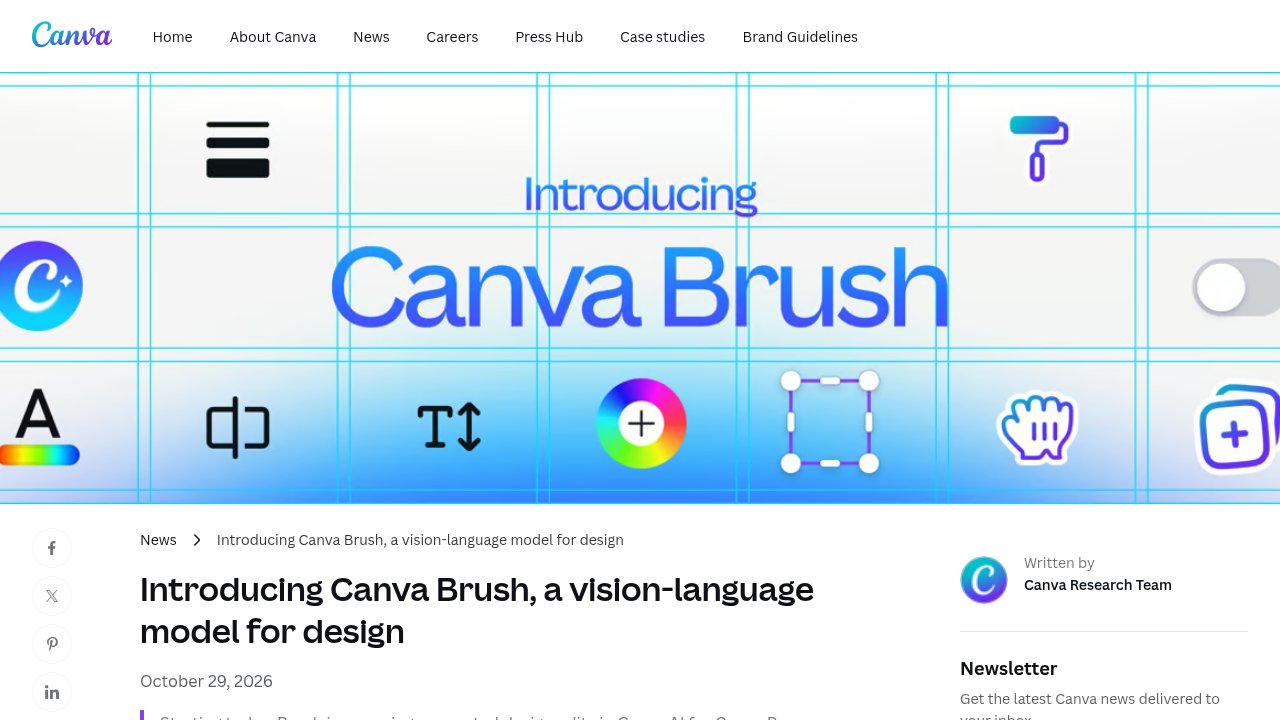
Canva Brush is a new AI model that edits designs you already have in Canva, from one line of copy to every slide in a deck. Canva announced it on October 29, 2026, a week after its Canva Craft image model, and switched it on for Canva Pro subscribers the same day. Here's what it does, how to turn it on, what it costs, and the catch.
What Canva Brush does
Canva calls Brush a vision-language model for design, built by Canva Research. It looks at your design, works out how it's put together, and changes only what you ask for, instead of shifting half the layout over one tweak.
Canva says Brush writes and runs code to adjust design elements, then checks the page to decide its next step. Everything it produces stays editable as normal Canva elements.
Things you can ask it to do
- Restyle an image or design: change the color scheme, the weather in a photo, or the overall mood.
- Edit a multi-page design in one prompt: for example, update the headers on every page of a deck instead of clicking through each one.
- Repurpose for another channel: turn a presentation slide into an Instagram graphic.
Canva says Brush is up to 69% faster on general design edits and 46% cheaper per edit task than its previous design agent. That cost figure is about what each edit costs Canva to run, not a change to your bill.
How to use Canva Brush
- Open an existing design in the Canva editor, or attach or link a design in Canva AI.
- Pick “Brush” from the dropdown in Canva AI so it handles the whole edit.
- Keep giving directions in chat, or take over in the editor and finish by hand.
Canva says it's already working on Brand Kit support, referencing attachments, and better handling of image-heavy layouts.
What Canva Brush costs
There's no separate price. Brush comes with Canva Pro, which Canva's US pricing page lists at US$144 a year for one person, before tax (checked October 31, 2026). The same page notes that Canva's AI tools draw on a shared monthly AI allowance at different rates. Canva's announcement doesn't say how much allowance a Brush edit uses.
The catch: it's Pro-only for now, with no date for anyone else
Canva says Brush powers supported edits “for Canva Pro subscribers, with expanded availability coming soon.” It gives no date. If you're on Canva Free, you can't try it yet, and the announcement doesn't mention other plans. “Supported design edits” also means not every request will go through Brush.
Who should try it
If you already pay for Pro and spend time resizing posts or updating decks, test it on a copy of a real design. For how Canva's new image model works and how the AI allowance pays for it, read our Canva Craft post. For dedicated image generation, see our Krea review, or browse more design tools in the tools directory.
FAQ
Is Canva Brush free?
Not on Canva Free yet. It's included with Canva Pro at no extra charge, and Canva says wider availability is coming, without a date.
How is Canva Brush different from Canva Craft?
Craft generates images. Brush edits the design around them, such as copy, layout, style and format. Canva says “Craft generates the image, and Brush refines the design around it.”
How do I turn on Canva Brush?
Open a design or link one in Canva AI, then select “Brush” from the Canva AI dropdown.
Sources
- Introducing Canva Brush, a vision-language model for design (Canva Newsroom, October 29, 2026)
- Canva Pricing (Canva, checked October 31, 2026)
- Canva’s New Vision-Language Model Lets You Edit, Refine Designs Using Prompts (Gadgets 360)